Free StayFocusd Alternative for Chrome (2026)
StayFocusd was the default free website blocker for years, and 700,000 installs prove it. But things have shifted: the Chrome Web Store listing now names Sensor Tower, an analytics company, as its owner, recent reviews average 3.90 against a 4.4 lifetime rating, and users report it breaking in Brave. If you want a StayFocusd alternative that is still free, still works without an account, and keeps your data inside your browser, ZalipOff is the closest match, with one twist: a coach instead of a block page.
This page covers what StayFocusd still does well, where it has slipped, and how it compares to ZalipOff row by row. The short version: if StayFocusd runs fine on your machine and you never read the ownership line on its listing, parts of it are still genuinely good. If you are here because it glitched, went dark in Brave, or you would rather not hand your browsing patterns to an analytics company, switching takes about a minute and costs nothing.
Where StayFocusd is actually good
Honesty first, because most alternative pages skip this part. StayFocusd earned its 4.4 lifetime rating and its 700,000 installs over many years, and the core ideas still hold up:
- It is free with no site limit. No trial countdown, no premium tier hiding the useful features. In a category where some tools charge $49.99 a year to block a fourth website, that matters.
- No account, no sign-up. You install it and start blocking. This has always been one of the most user-respecting things about StayFocusd, and it is a bar plenty of newer tools fail to clear.
- The daily allowance model is clever. Instead of banning sites outright, you give yourself a budget of minutes per day across your distracting sites. When the minutes run out, the sites lock until tomorrow. It accepts that a little slacking is human, which makes the rules easier to live with.
- The Nuclear Option is famous for a reason. Block everything you chose for a fixed period with no way to back out. Brutal, occasionally lifesaving before a deadline.
If all of that still works reliably in your browser, you may not need a StayFocusd alternative at all. The problem is the word reliably.
Where StayFocusd falls short
The gap between the 4.4 lifetime rating and the 3.90 recent average is where the complaints live. Three things stand out.
Bugs and breakage. The recent review section is heavy on bug reports, and the most concrete pattern involves Brave. A 2-star Spanish review puts it in five words: "A dejado de funcionar en Brave", meaning it stopped working in Brave. Brave runs standard Chrome extensions, so when an extension breaks there and stays broken, that usually says something about how actively it is being maintained.
The ownership line. The Chrome Web Store listing states that StayFocusd is owned by Sensor Tower. That is not a rumor, it is written on the listing itself. Sensor Tower is an analytics and market intelligence company. We are not going to claim anything about what happens to your data, because we do not know. But a website blocker necessarily observes every site you try to open, and it is reasonable to want the company behind that extension to be in the focus business rather than the data business. At minimum, it is a fact worth knowing before you trust it with your browsing.
The trend is pointing down. A tool with a 4.4 lifetime average and a 3.90 recent average is a tool whose best reviews are old. Trajectory matters more than history when you are choosing something you will rely on every workday.
There is also a quieter, more universal problem: when StayFocusd does work, what you get at the moment of temptation is a wall. A block page tells you no, and no is exactly the word that makes a distracted brain start negotiating. For a lot of people, the long-term result of a pure wall is that they disable the wall.
You have probably lived the loop: the block page appears, you feel the flick of irritation, you open the extension menu, you tell yourself it is just for one video, and three weeks later the blocker is still disabled while the tab count climbs. That failure mode is not a bug in StayFocusd specifically; it is the standard lifecycle of every tool that only knows how to say no. It is worth naming, because it is the single biggest reason to consider a different model rather than just a different wall.
StayFocusd vs ZalipOff: side by side
Both tools are free, so this is not a pricing fight. The real differences are maintenance, ownership, and what actually happens on your screen when you drift.
| StayFocusd | ZalipOff | |
|---|---|---|
| Price | Free | Free forever, no premium tier |
| Free site limit | Unlimited | Unlimited |
| Account required | No | No |
| Data location | In your browser; listing names Sensor Tower, an analytics company, as owner | Local in your browser, nothing is transmitted |
| Blocking modes | Time allowance, blocks, Nuclear Option | Soft reminder card or hard blocking overlay |
| Escalation | Fixed rules you set in advance | Automatic: gentle reminder first, then a block if you keep drifting |
| Platforms | Chrome; recent review reports it stopped working in Brave | Chrome extension, browser only |
| At the moment of distraction | A block page | A 3D coach character reacts, gently or firmly |
One honest note in the other direction: StayFocusd's time-allowance system is more granular than anything ZalipOff offers. If minute-budgets per day are the exact mechanic you want, and the extension still behaves for you, that is a genuine reason to stay.
It is also worth saying what a table cannot capture: how a tool feels after a month. A blocker is not software you use so much as software you live with, and the two columns above describe two very different roommates. One enforces the rules you wrote and says nothing else, ever. The other notices you, reacts, and adjusts its firmness to your behavior. Neither is objectively right, but people overwhelmingly keep the roommate they do not resent, and resentment is exactly what uninstalls blockers.

What ZalipOff does differently
ZalipOff starts from a simple observation: the reason most people abandon website blockers is not that the blocking fails, it is that being walled off feels bad enough that you eventually remove the wall. So instead of a cold block page, you get a coach.
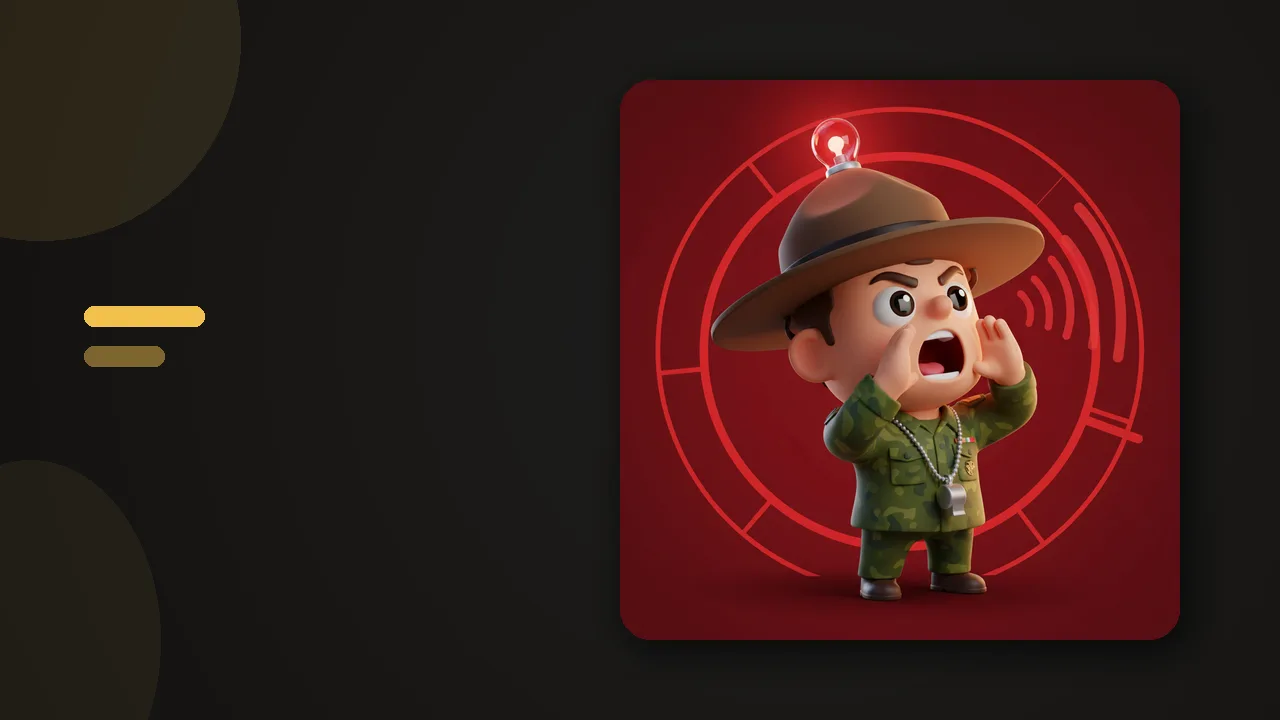
- 12 characters with different communication styles. A zen master who sighs. A drill sergeant who does not. A caring mom, a sarcastic comedian, a robot, and more, running from gentle to strict. You pick the tone that actually works on you.
- Soft mode shows a small reminder card in the corner of the page. You stay in control; the coach just makes sure the visit is a decision instead of a reflex.
- Hard mode dims the screen with a blocking overlay when you need the door closed.
- Automatic escalation. Wander to a blocked site once and you get a reminder. Keep coming back and the coach stops being polite and blocks the page. You do not have to choose between lenient and strict in advance; it adapts to what you are doing.
The practical details match what StayFocusd users expect: completely free with no site limit and no premium tier, no account, and all data stays local in your browser. And one honest limitation, stated plainly: ZalipOff is browser-only. There is no mobile app and no cross-device sync, so if you need phone blocking, you will need a separate tool for that.
Which coach you pick matters more than it sounds. Students grinding through a semester tend to do well with the strict end of the roster: the drill sergeant does not accept "just five minutes" as an answer. Remote workers who mostly need a nudge out of autopilot usually land on the zen master or the robot. And if you have ADHD and every productivity tool you tried eventually became one more voice telling you off, start with the gentle end of the twelve: the reminders stay warm, there is no shame mechanic anywhere in the extension, and a block is just a block, not a verdict on you as a person.

Try ZalipOff free: 12 character coaches, soft nudge or hard block, no account needed. Your data never leaves your browser. Add to Chrome.
How to switch from StayFocusd to ZalipOff
There is no import wizard and you will not miss it; the whole move takes about a minute.
- Open the ZalipOff page on the Chrome Web Store and click Add to Chrome. No sign-up follows, because there are no accounts.
- Pick your coach. If StayFocusd's Nuclear Option was your favorite feature, start with the drill sergeant. If block pages always made you rebellious, try the zen master or the caring mom.
- Add your distracting sites to the list, the same handful you had in StayFocusd.
- Choose soft or hard mode per site, or let the automatic escalation handle it.
- Open chrome://extensions and disable StayFocusd. Keep it disabled rather than removed for a week if you want a safety net, then remove it.
Two tips for the first week. First, resist the urge to put every site in hard mode on day one; soft mode with automatic escalation catches most drift on its own, and you will trust the tool more if it earns its strictness rather than starting there. Second, if you catch yourself missing StayFocusd's minute budgets, give it a full week before judging. Most people discover that what they actually needed was not a budget but a checkpoint: something that turns an unconscious tab-switch into a conscious decision. That is precisely the job the reminder card does, and it does it without any clock to configure.

Who should stay on StayFocusd
An alternative page that pretends everyone should switch is just an ad. So, plainly: stay on StayFocusd if all three of these are true. It currently runs without glitches in your browser. The daily time allowance is the specific mechanic that keeps you honest, because ZalipOff does not replicate minute budgets. And the Sensor Tower ownership line does not bother you after reading it on the listing yourself.
Switch if any of the opposite holds: you use Brave or have hit the bugs, you never used the allowance system anyway, or you would simply rather have your blocker answer to nobody and your data go nowhere. And if you are torn, run both for a week. They are both free, and the worst possible outcome is deleting one extension.
Other StayFocusd alternatives worth knowing
ZalipOff is not the only reasonable exit, and depending on what you loved about StayFocusd, one of these might fit better:
- LeechBlock NG: free, no account, and rated 4.9 with a perfect 5.00 recent average. It is the power-user pick, with more scheduling options than anything else on the market, but the settings page is a dense table of rules that not everyone will enjoy. Full breakdown in our LeechBlock alternative guide.
- Cold Turkey: rated 4.6, free with a one-time Pro upgrade instead of a subscription. The catch is that it requires installing a desktop app, which is a dealbreaker on locked-down work machines. See our Cold Turkey alternatives roundup.
- BlockSite: a million installs and a slick interface, but the free plan blocks only 3 sites before asking for $49.99 a year. We covered it in detail in our BlockSite alternative guide.
For the whole market in one place, see our best website blockers of 2026 ranking, and if you are still deciding what criteria matter, how to choose a website blocker walks through it without the marketing fog.
And if the coach idea sounds like it might be the thing that finally sticks: ZalipOff is free, needs no account, and your data never leaves your browser. Add it to Chrome and meet the twelve characters yourself.
Frequently asked questions
Is StayFocusd still maintained?
We cannot see its roadmap, but the observable signs are mixed: recent reviews average 3.90 against a 4.4 lifetime rating, a recent review reports it stopped working in Brave, and the Chrome Web Store listing names Sensor Tower, an analytics company, as the owner.
Is ZalipOff really free, or is there a catch later?
It is completely free: no trial, no site limit, no premium tier. There is also no account or sign-up, and your data stays local in your browser, nothing is transmitted.
Can I import my StayFocusd block list into ZalipOff?
There is no import tool, but most people block a handful of sites, so retyping them takes under a minute. Add each site, pick a coach, choose soft or hard mode, and you are done.
Does ZalipOff have a Nuclear Option like StayFocusd?
Not by that name. The closest match is hard mode, which dims the screen with a blocking overlay, plus automatic escalation: if you keep returning to a blocked site, the reminder turns into a block on its own.
Does ZalipOff work on my phone?
No. ZalipOff is a Chrome extension and browser-only, with no mobile app and no cross-device sync. If phone distraction is your main problem, you will need a separate tool on the phone side.